Snapshot and roll back a version
Every virtual app has a Version history tab. Each time you publish the app — or click Snapshot manually — OpenBuilt freezes the full manifest (schemas + pages + menu + data sources) into a versioned record. Rolling back is one click.
Goal
By the end you will have created a named snapshot of your app, edited something, looked at the diff between the snapshot and the current draft, and rolled back.
Prerequisites
- A virtual app with at least one saved page (see Design a page).
- A clear change you want to make and undo — to actually exercise the rollback.
Steps
-
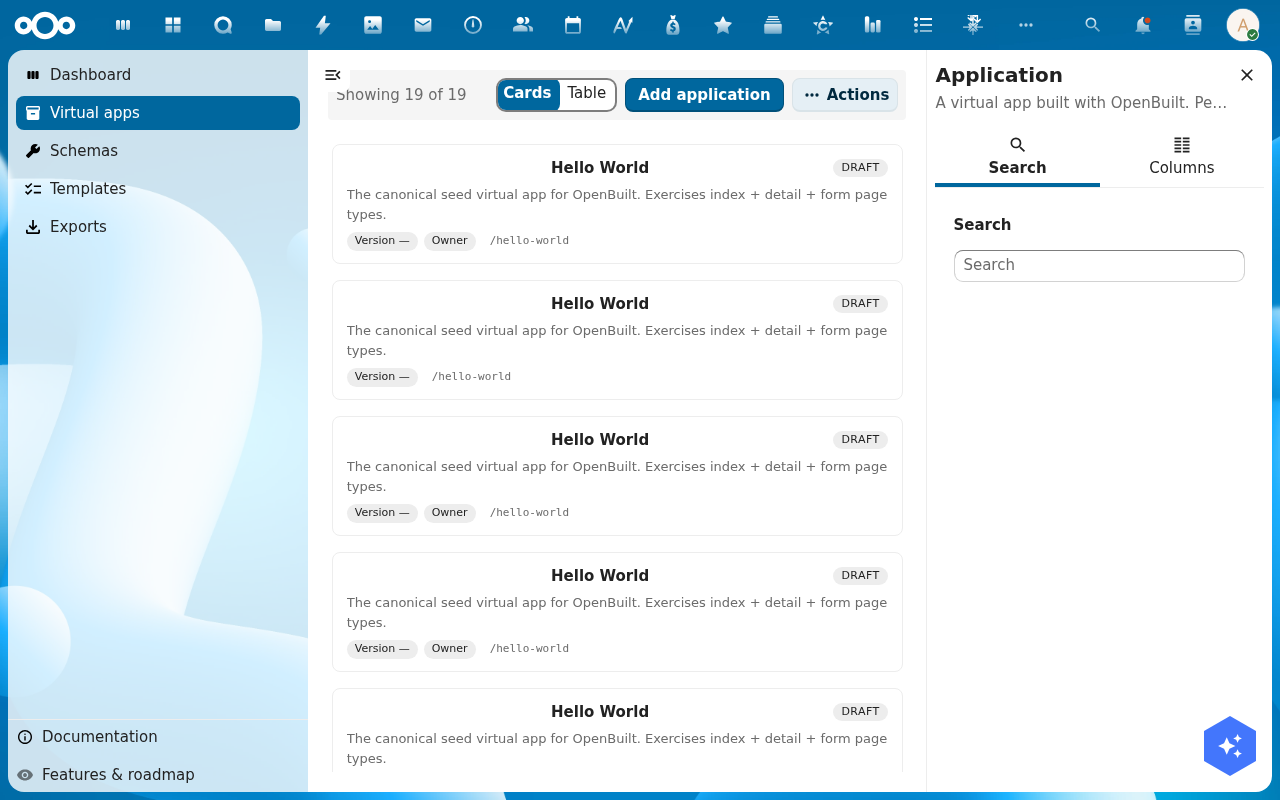
Open your app's detail page and switch to the Version history tab. The tab lists every snapshot ever taken with its label, who took it, when, and the manifest checksum.
-
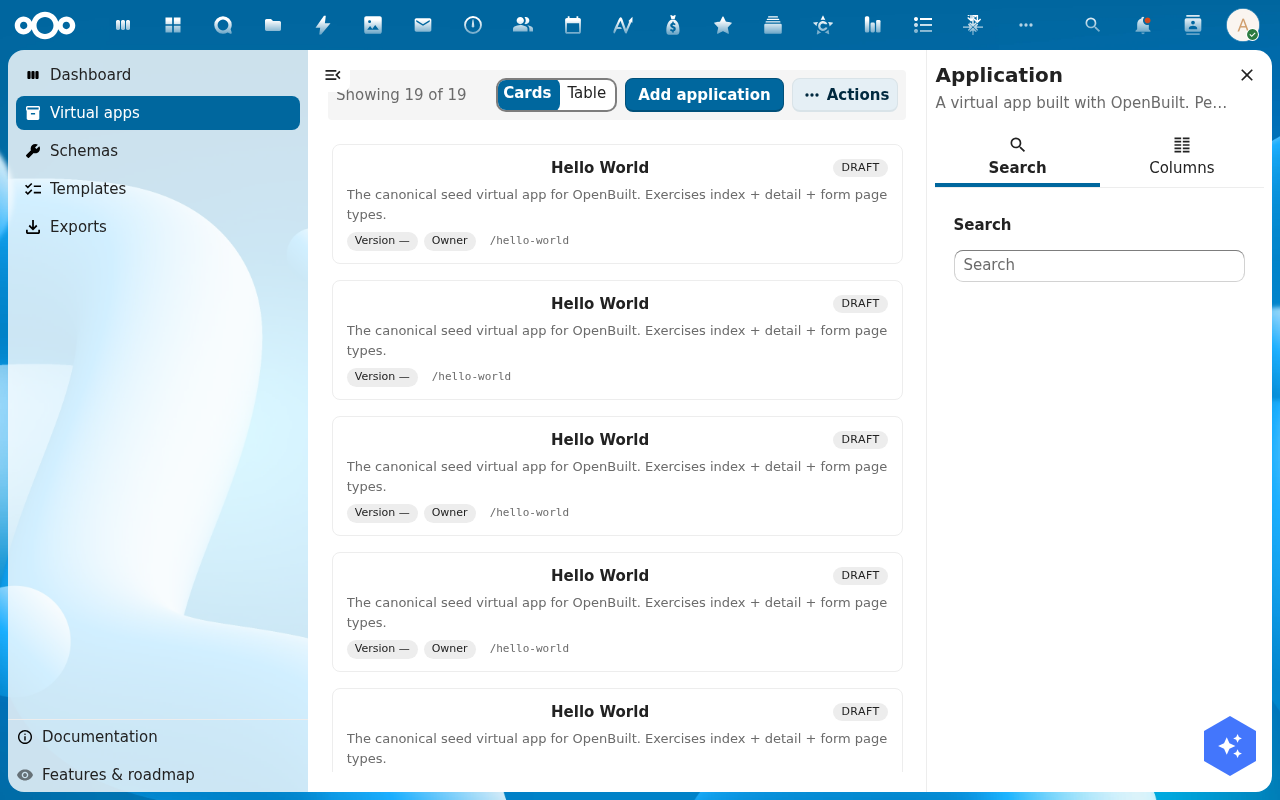
Click Take snapshot. Give it a short label (v1 — initial, before adding tasks page, …) and click Save. The new snapshot appears at the top of the list.
-
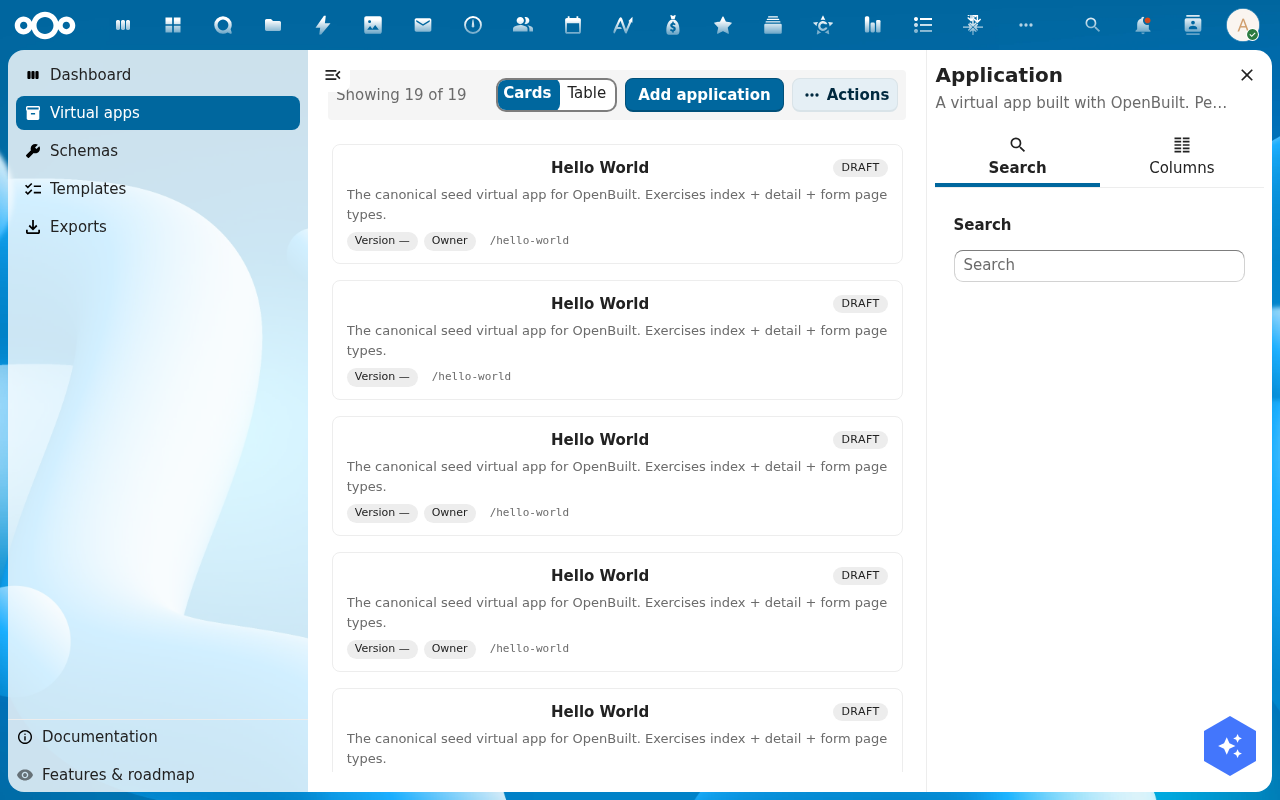
Make a change you can undo — add a page, rename a property, remove a menu entry — and Save pages. The draft is now diverged from the snapshot.
-
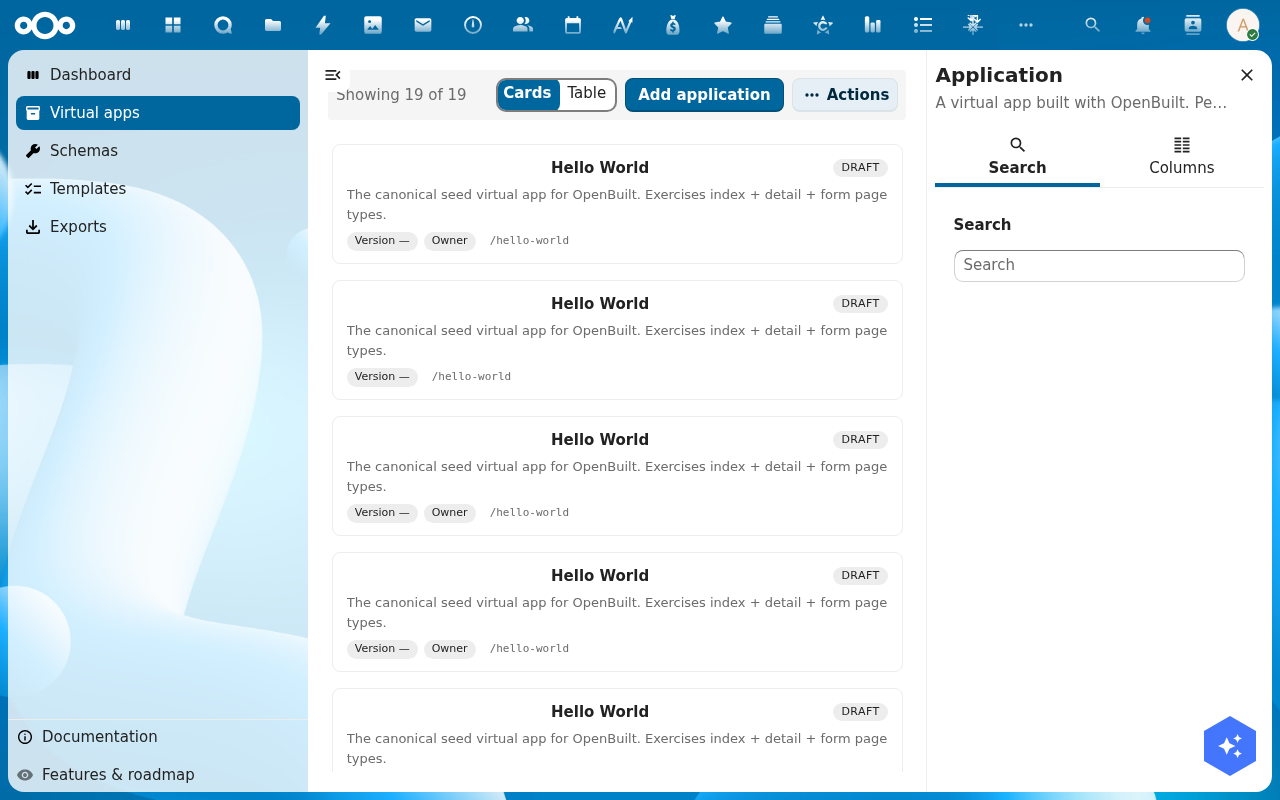
Switch to the Diff tab on the app detail page. Pick the snapshot from the left side; the diff panel shows added / removed / changed manifest entries side by side.
-
Click Roll back to this version on the snapshot row. Confirm in the dialog. OpenBuilt swaps the current manifest for the snapshot's manifest, keeps the current state as a Previous draft snapshot (so you can roll forward again), and reloads.
Verification
The roll-back worked when: the Version history tab shows a new Previous draft snapshot at the top, the page designer loads with the schemas / pages / menu of the snapshot you rolled to, and the builder host renders the rolled-back app.
Common issues
| Symptom | Fix |
|---|---|
| Take snapshot errors "manifest is invalid" | The current draft has validation errors — fix them in the page designer first, then snapshot. |
| Diff is empty | The snapshot and the draft are byte-identical — make at least one save in the designer between snapshots. |
| Rollback restored the manifest but the data looks wrong | Snapshots cover the manifest only (schemas, pages, menu), not the records — record rollback uses OpenRegister's revisions, see the per-record audit trail. |
Reference
- Export the app — turn a snapshot into a downloadable bundle.
- Manifest reference — what exactly is in a snapshot.