Connect a register or connector
A virtual app does not have to own its data. OpenBuilt pages can read from any OpenRegister register on the same Nextcloud, or from any OpenConnector source (HTTP API, database, file feed) the admin has wired up.
Goal
By the end you will have re-pointed one of your pages at a different register (or at an external source through OpenConnector), and seen the page list rows from there.
Prerequisites
- A virtual app with at least one index page (see Design a page).
- The register or connector you want to read from exists on the Nextcloud. OpenConnector sources are managed under Connector → Sources; ask an admin if the source you need is not there yet.
Steps
-
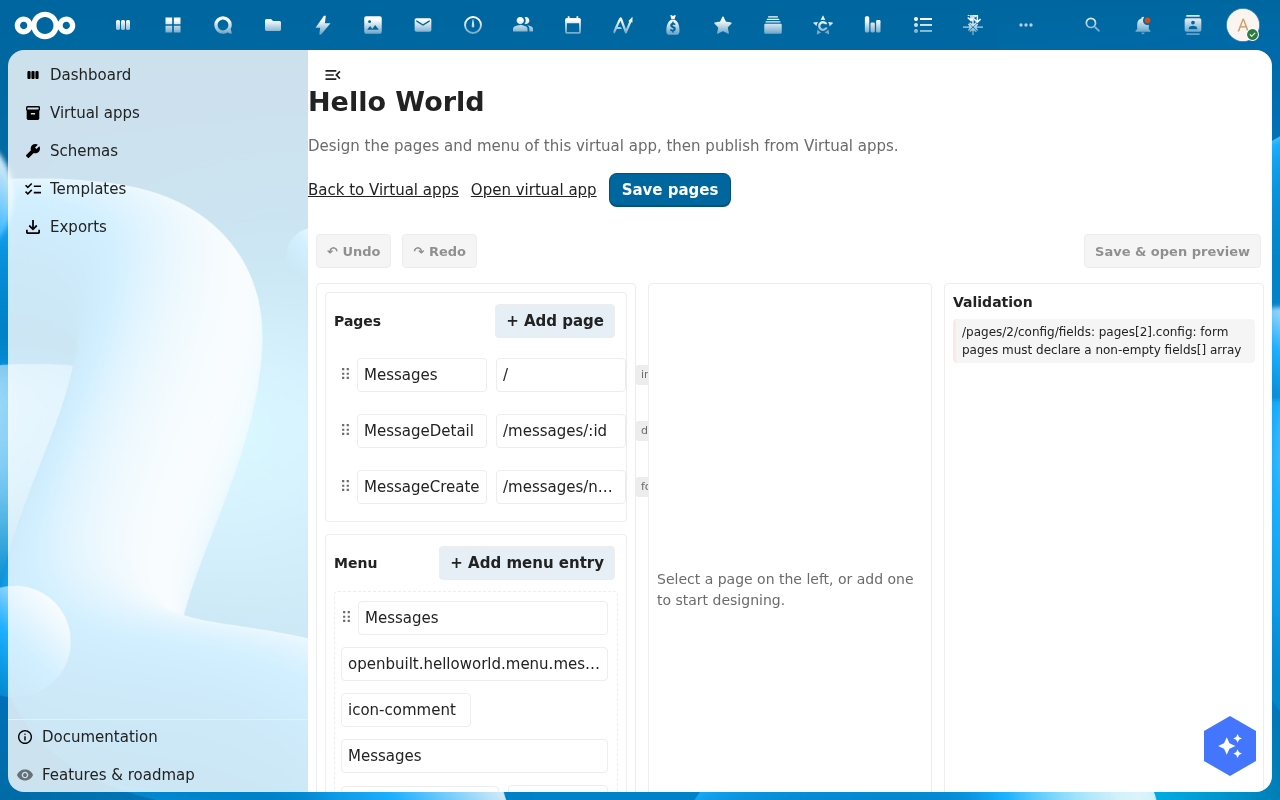
Open the page designer at
/apps/openbuilt/builder/\<slug\>/pagesand pick the index page you want to re-point.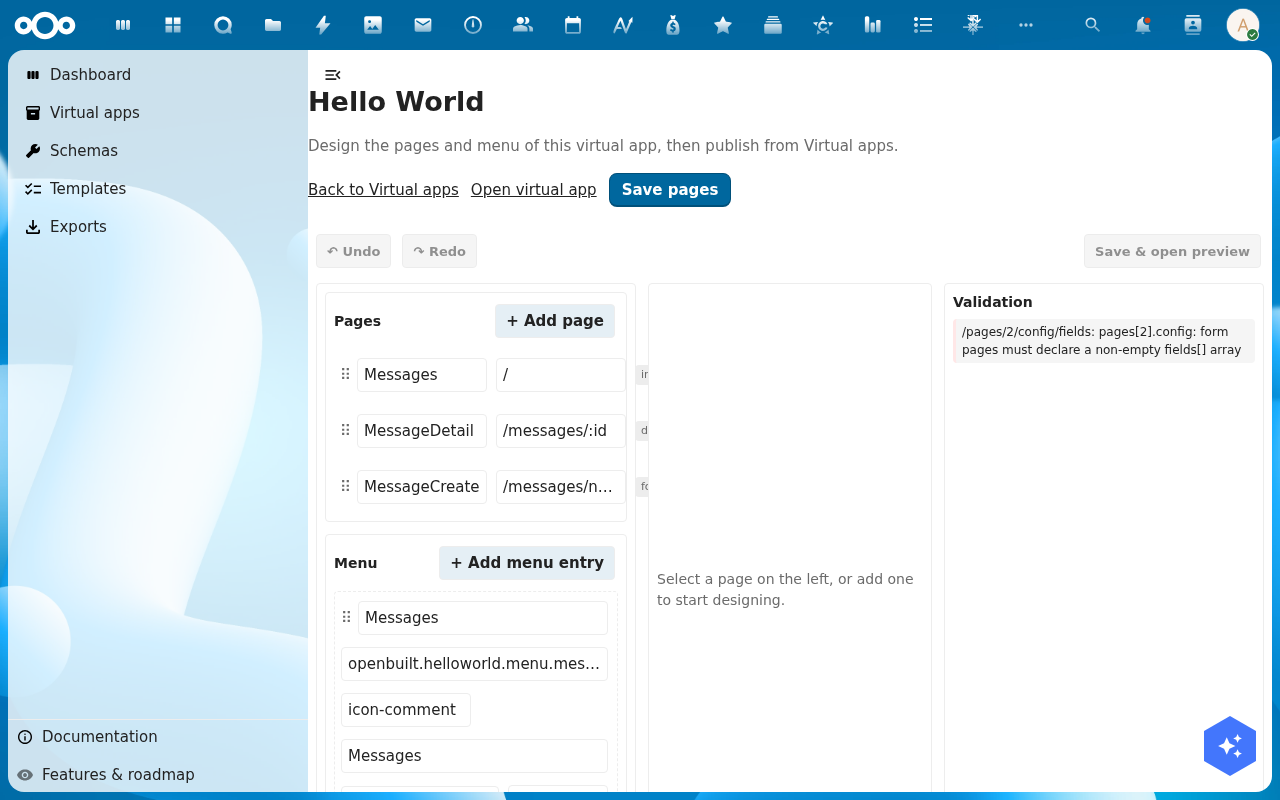
-
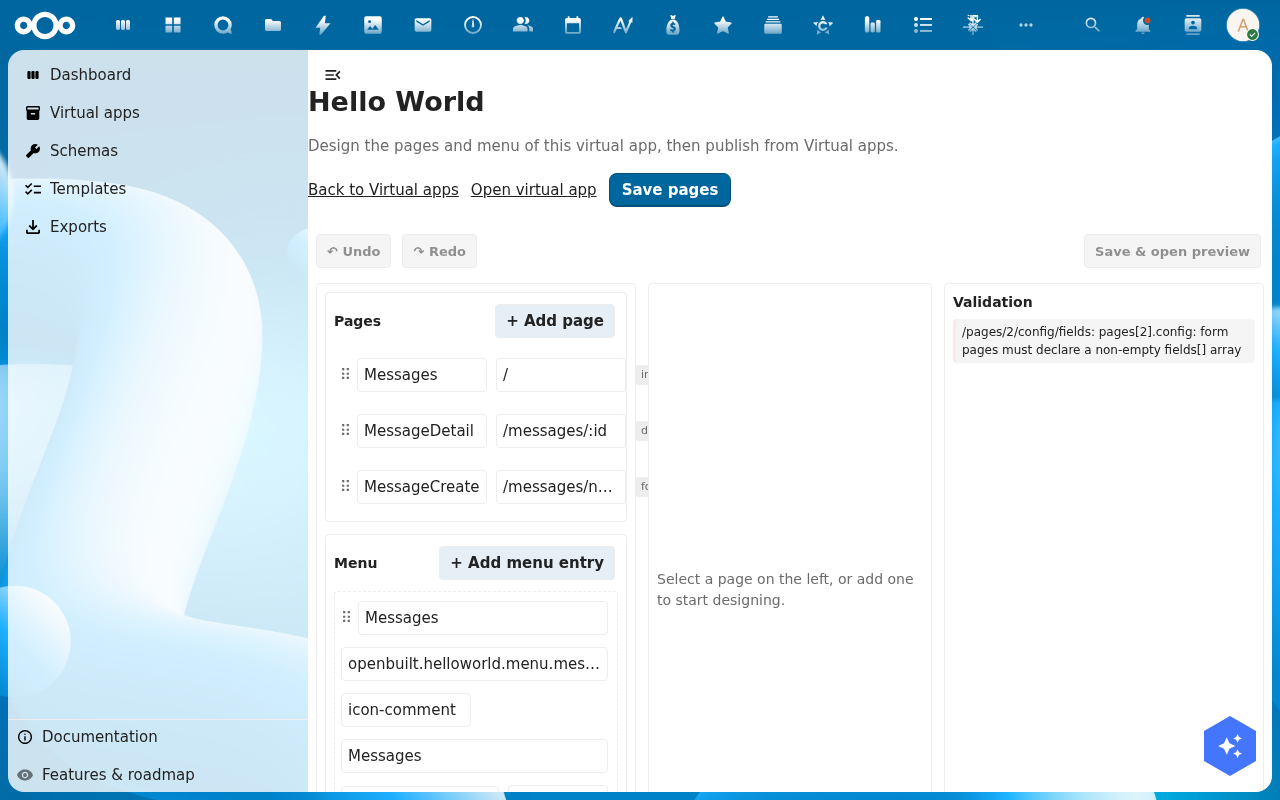
In the right-hand editor, find the Data source section. By default it is set to Register with the virtual app's own register selected.
-
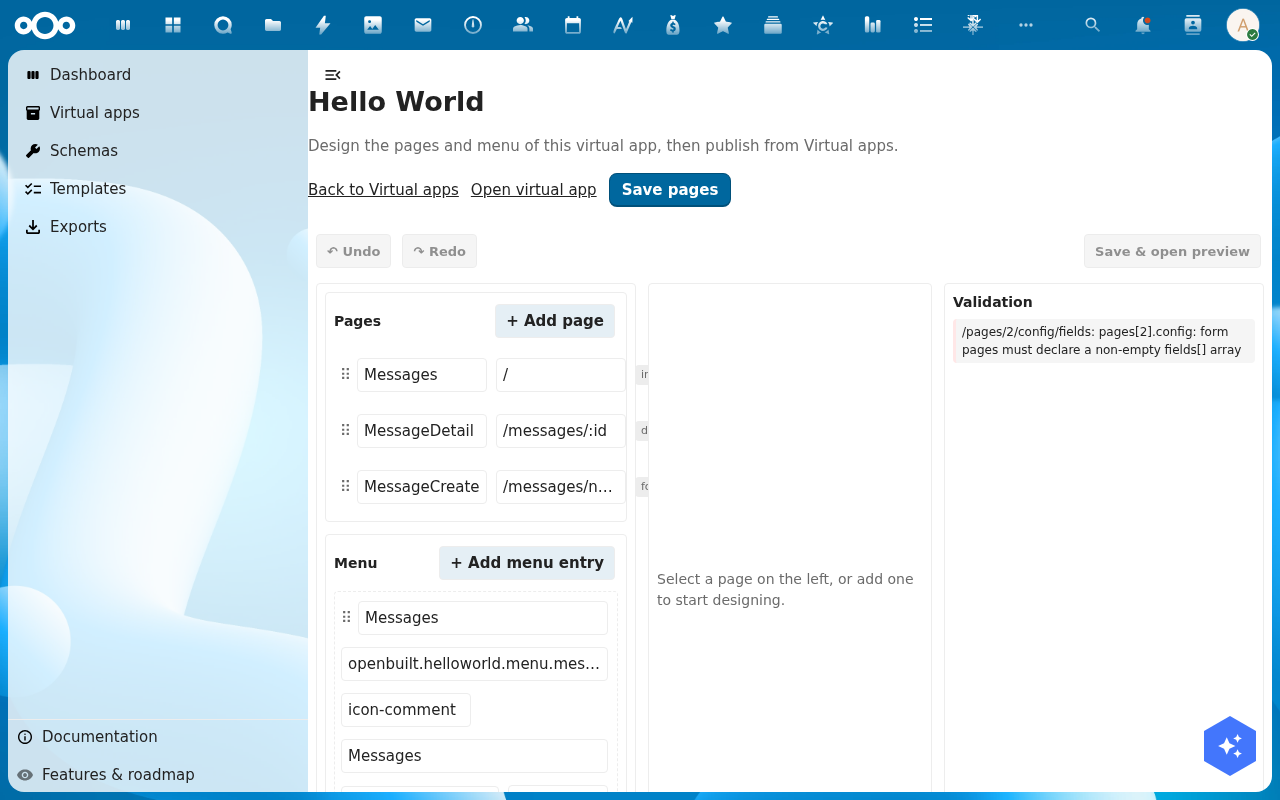
To switch registers, pick a different Register and Schema from the dropdowns. The preview reloads against the new register; if the schema's columns do not match the columns the page was showing, OpenBuilt highlights the mismatch.
-
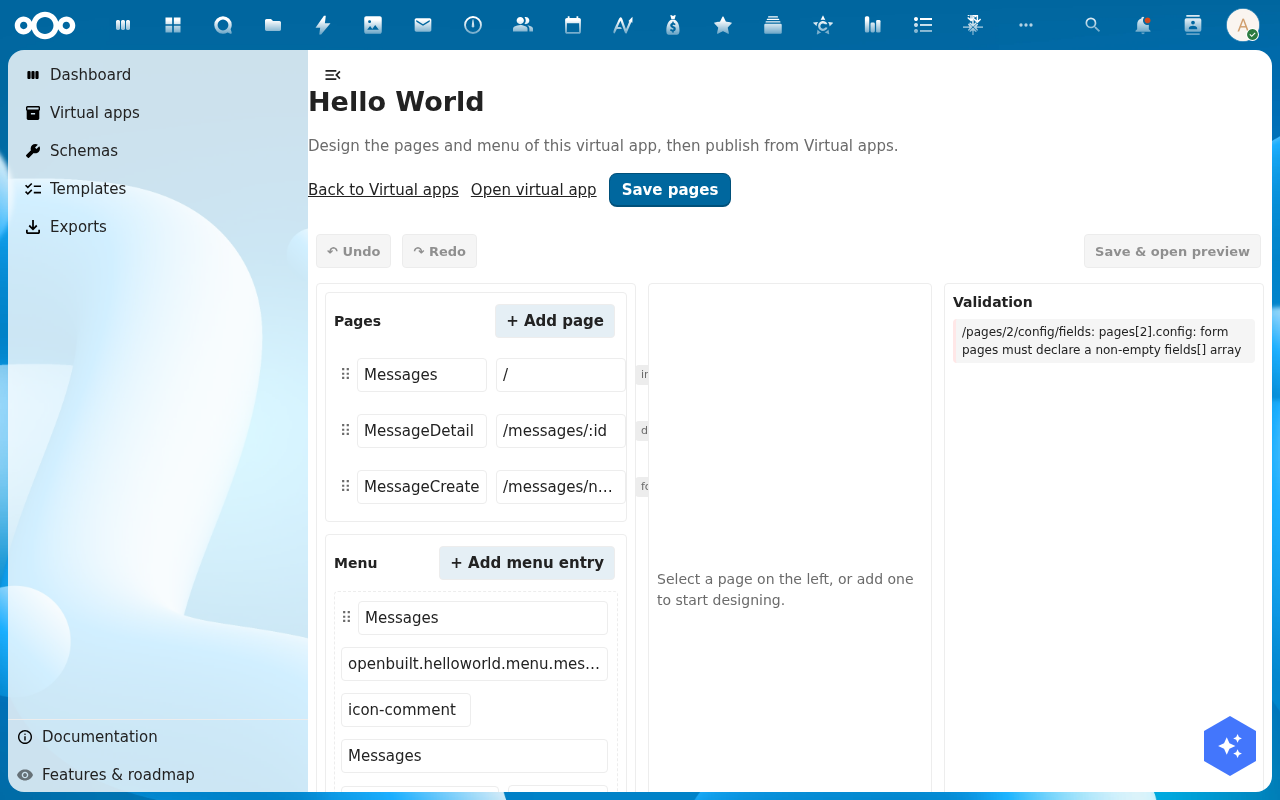
To read from an external source, switch the Mode dropdown to Connector and pick a Source from the second dropdown. OpenConnector sources mediate the call (auth, caching, rate-limit). Pick the Endpoint the index should hit.
-
Click Save pages. The page now reads from the connector source on every load. The preview pulls a small page of rows so you can confirm the shape matches.
Verification
The connection is good when: the preview lists rows in the right shape (columns populated, no error banner) and switching back to Run preview in the live shell shows the same data.
Common issues
| Symptom | Fix |
|---|---|
| Preview is empty after switching | The connector source returned no rows for this endpoint — check the source under Connector → Sources and verify the endpoint URL. |
| Columns show up as undefined | The source's response shape does not match the columns the page expects. Map the response in Connector → Mappings, or change the page's columns. |
| "Connector source not found" | The source was deleted or renamed — pick a different source from the dropdown. |
Reference
- Design a page — the page you are re-pointing.
- Preview the running app — see the data load in the live shell.