Create an application from a template
Templates are pre-built virtual apps — schemas, pages, sample data — for recognisable use cases (a permit workflow, a citizen consultation, an HR onboarding flow). Cloning one is faster than starting from blank.
Goal
By the end you will have cloned a template into an editable draft virtual app, named it, and opened it for editing.
Prerequisites
- You completed Open OpenBuilt for the first time.
- At least one template in the gallery — OpenBuilt ships four out of the box (Permit Tracker, Stakeholder Consultation, Employee Onboarding, Incident Reporter). Admins add more via Manage the template catalogue.
Steps
-
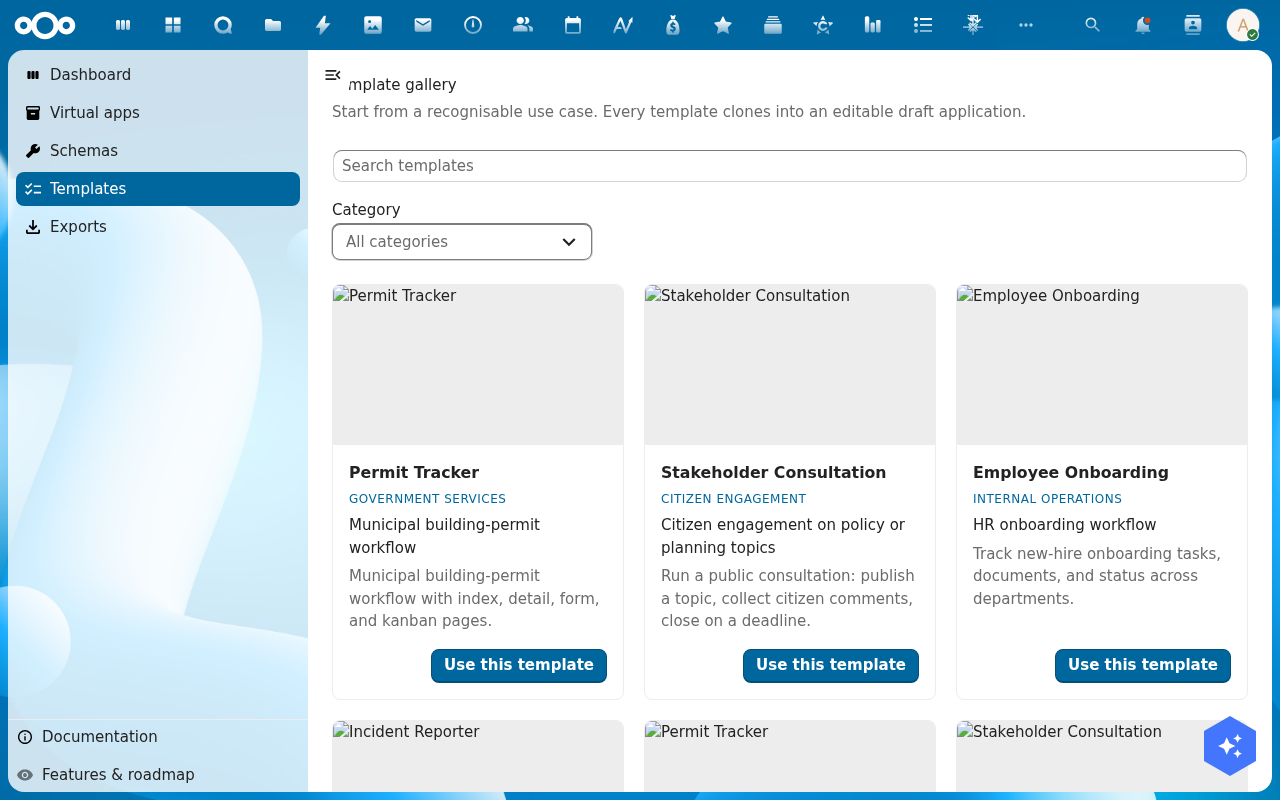
Click Templates in the left navigation. The gallery shows one card per template with category, short description and a Use this template button.
-
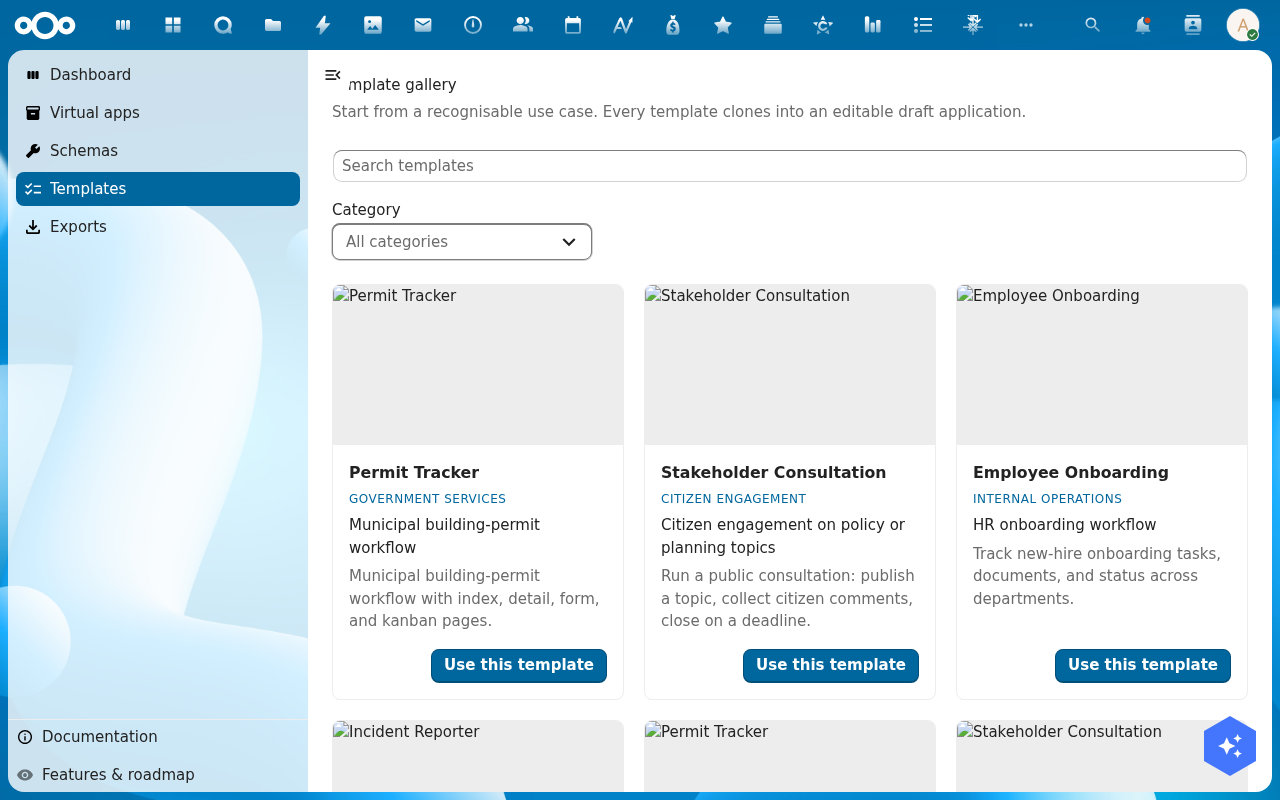
Pick a card that matches what you are trying to build. Hover for the longer description; the category badge (GOVERNMENT SERVICES, CITIZEN ENGAGEMENT, INTERNAL OPERATIONS, FIELD WORK) hints at where the template is most at home.
-
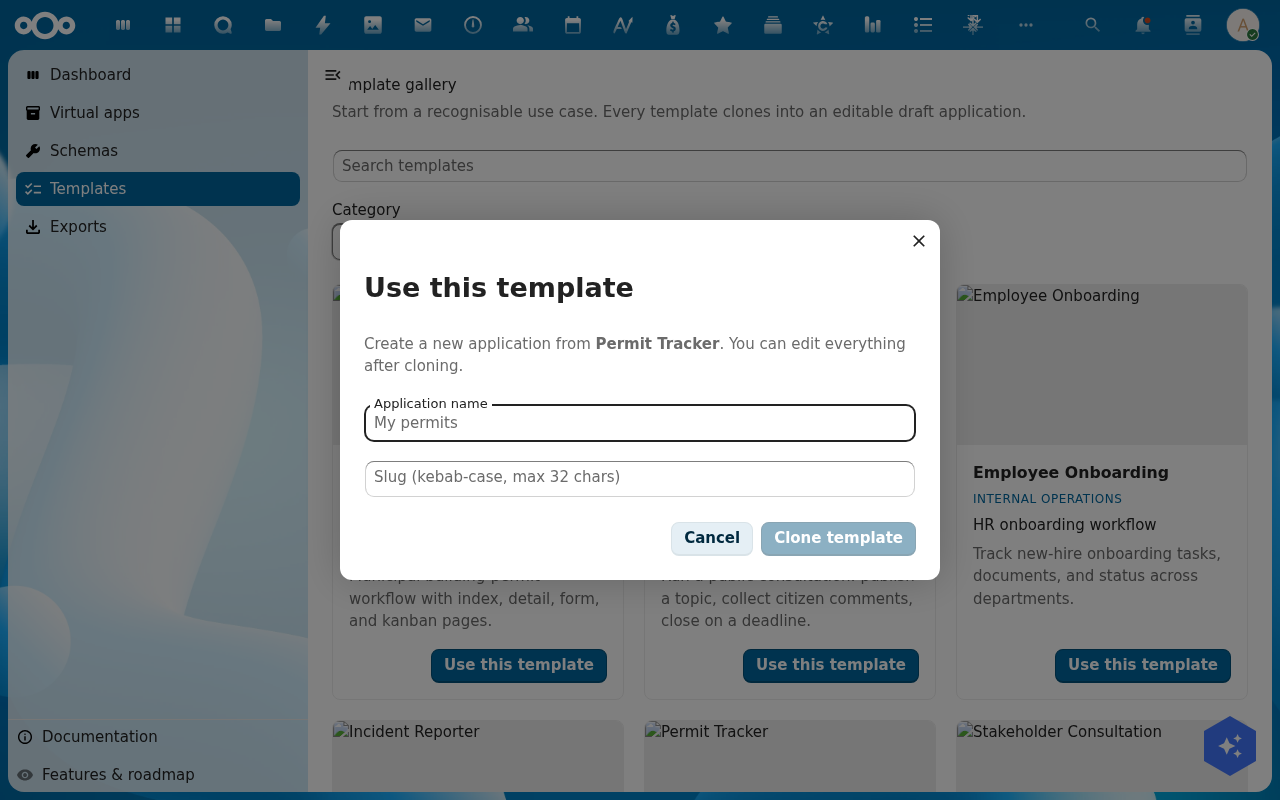
Click Use this template. A dialog opens asking for the new application's Name, Slug (URL-safe identifier, auto-derived from the name) and an optional Description.
-
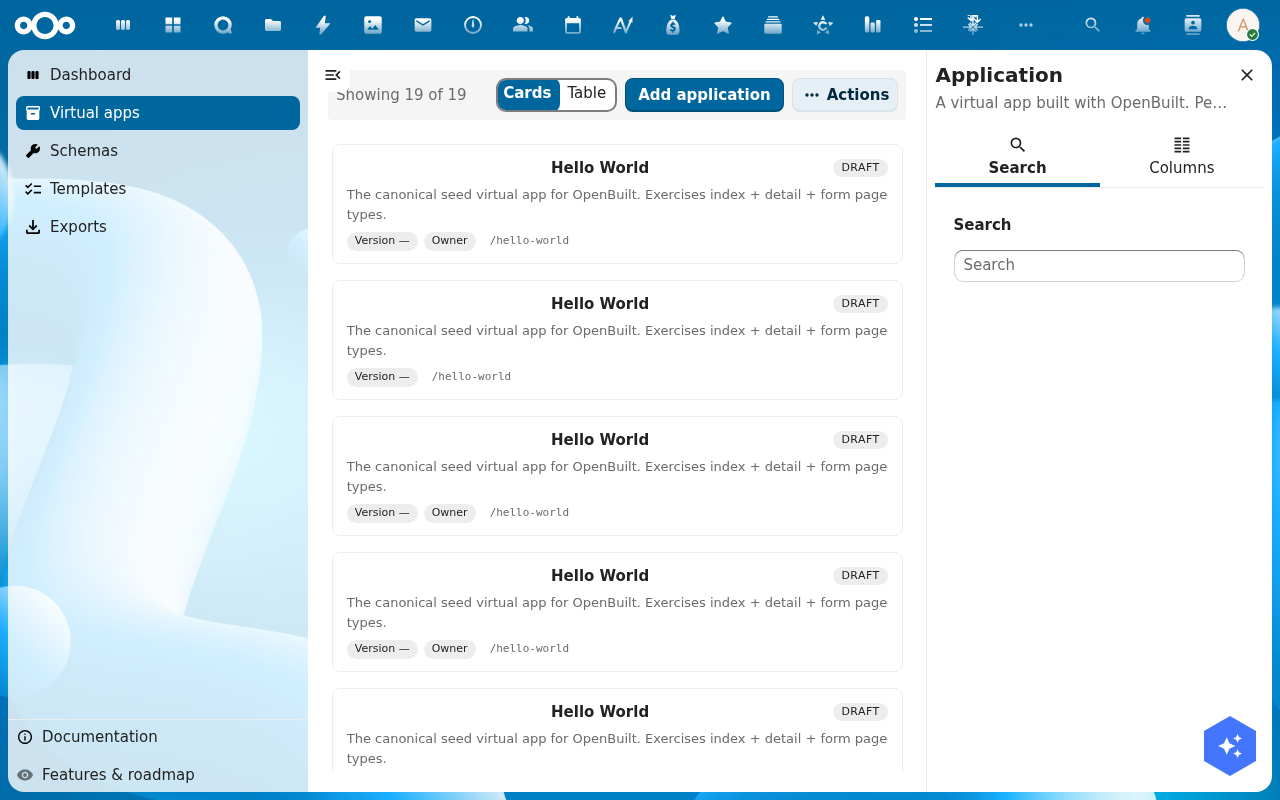
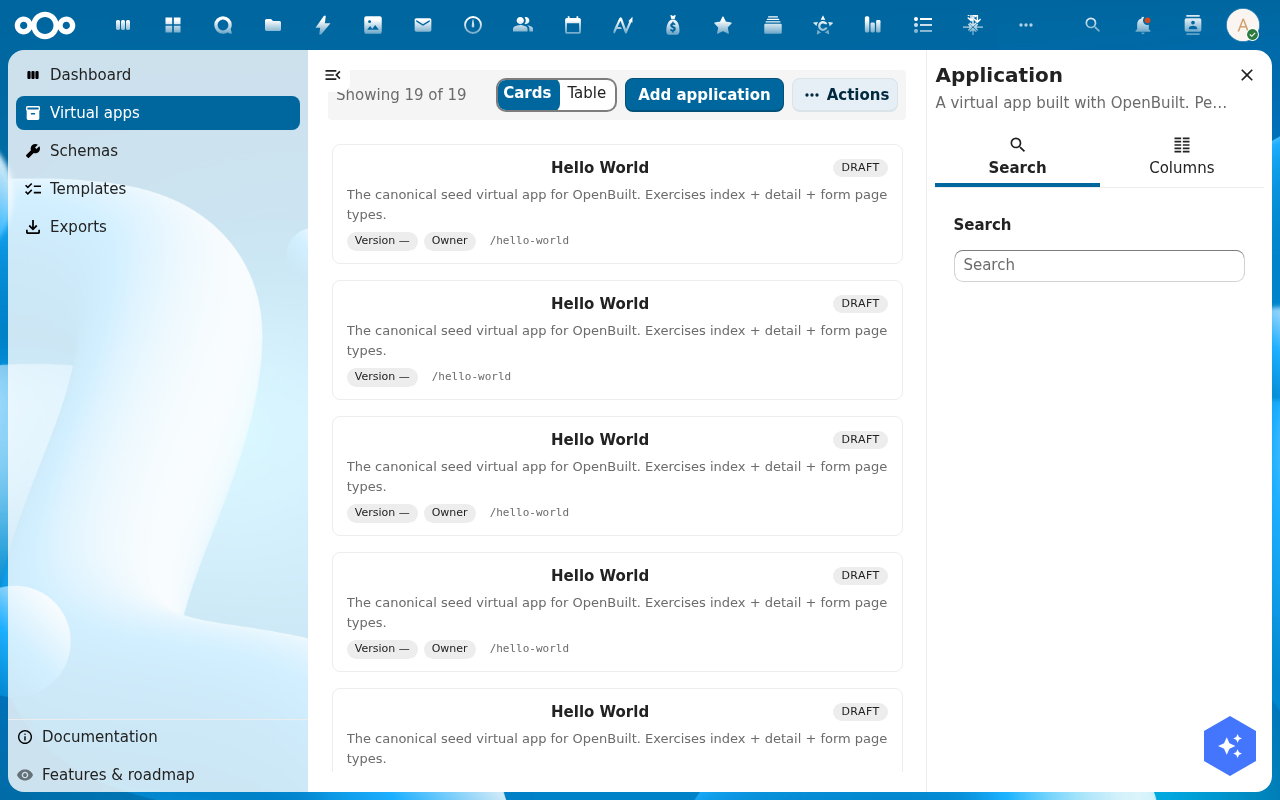
Click Create. OpenBuilt clones the template's schemas, pages and sample data under a new application record, sets the status to Draft and returns you to the Virtual apps list.
-
Click the new application row. Its detail page opens with sidebar tabs for Overview, Manifest, Version history, Diff and Audit trail. From here you can drill into the schema designer or the page designer to start customising.
Verification
The clone is complete when: the new application shows in Virtual apps with the name you gave it and status Draft, and its detail page opens without a load error.
Common issues
| Symptom | Fix |
|---|---|
| Use this template spins forever | The template clone job is queued as a background job — wait a minute and reload the Virtual apps list. |
| Slug field rejects your input | Slugs must be lowercase, hyphen-separated, no spaces or special characters. |
| The cloned app has no schemas | The template's schemas were renamed or deleted on the host since the template was authored — pick a different template, or re-import the canonical template set from Manage the template catalogue. |
Reference
- Design a schema — customise the cloned data model.
- Design a page — adjust the cloned screens.
- Manage the template catalogue — what an admin can do here.