Preview and run your app
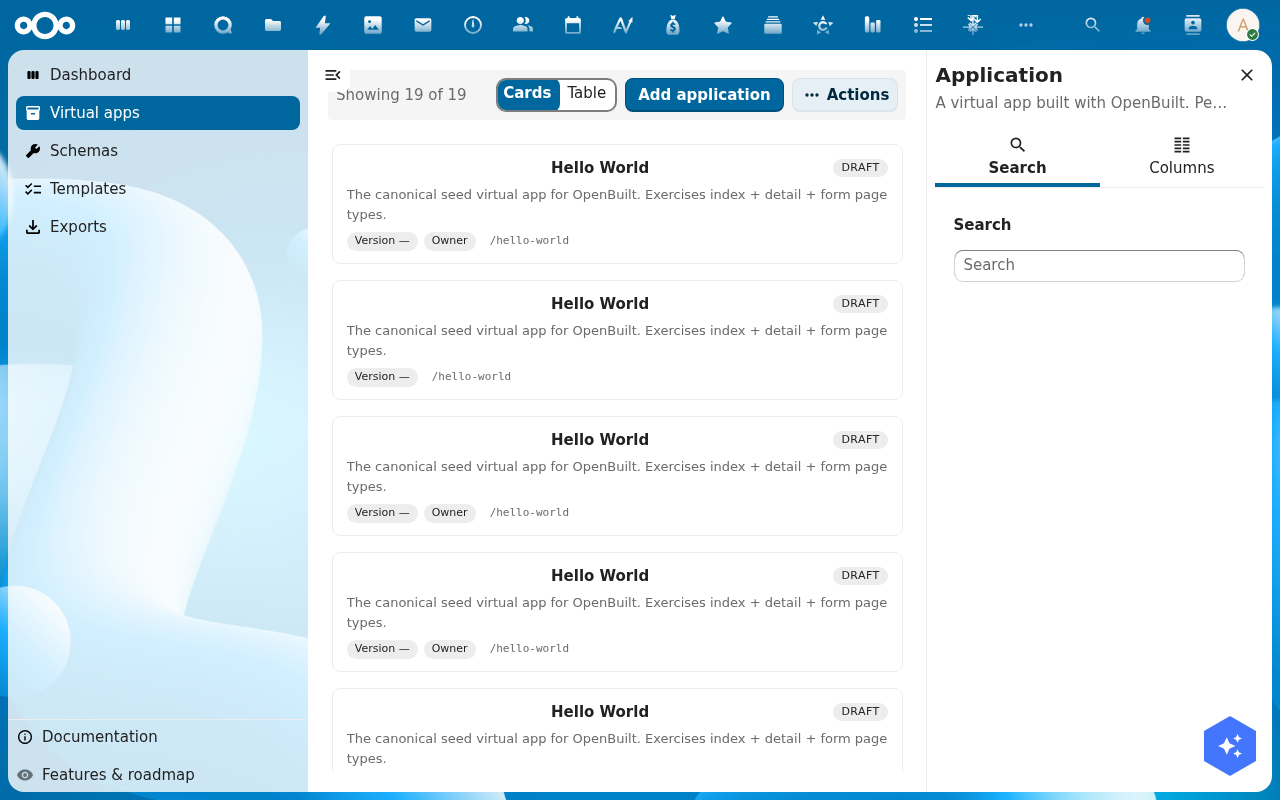
The page designer's right-panel preview shows one page at a time. To see the whole app — menu, navigation, page transitions, real data — open it in the builder host. The builder host renders the virtual app exactly as an end user will see it.
Goal
By the end you will have opened your virtual app in the builder host, clicked through its menu, opened a record on a detail page, and confirmed the data flows end-to-end.
Prerequisites
- A virtual app with at least one page in its manifest (see Design a page).
- The app's data source resolves — either to a register that has at least one row, or to a connector source that returns rows.
Steps
-
From the page designer, click Save & open preview. Alternatively, from a virtual app's detail page click Open virtual app, or hit
/apps/openbuilt/builder/\<slug\>directly.
-
The header shows the virtual app's title; the left menu lists the entries you configured in Design a page. Click each menu entry in turn — every page should load without an error banner.
-
On an index page, click a row to open its detail page. The detail tabs (overview, related records, history) should populate from the schema.
-
On a form page, fill in the fields and click Save. The new record lands in the underlying register and shows up on the next refresh of the index page.
-
Spot a bug? Click Back to Virtual apps at the top, jump into the page designer, fix the page, hit Save & open preview again. The cycle is short on purpose — the builder host re-reads the manifest on every load.
Verification
The app runs correctly when: every menu entry resolves to a page with no error banner, list rows load, the detail page shows the related data, and saving a form record updates the index list.
Common issues
| Symptom | Fix |
|---|---|
| Builder host shows "App manifest not found" | The app's manifest is empty or invalid — open the page designer and re-save it. |
| Menu entries point to 404 — page missing | A page was deleted but its menu entry was kept — open the Menu panel in the page designer and remove the orphaned entry, then save. |
| Form save errors "required field missing" | The schema marks a property required that the form does not expose — re-check the form page's fields, or relax the Required flag on the schema. |
Reference
- Snapshot and roll back versions — capture the current state before a risky change.
- Export the app — once the preview works.